Add the click-time layer to Microsoft 365.
Defender covers email, endpoint and identity. SafeToOpen covers the moment none of them can see: a brand-new page, before a password is typed.
Why the click still matters
GuideWhy Microsoft Defender still needs browser-layer protection →
How it fits Microsoft 365
Rolled out and run with the Microsoft tools you already have.
Outlook, from the admin centre
Any Microsoft 365 admin can push the email add-in via the Microsoft 365 admin centre in under five minutes, with no mail-flow changes.
Seats from Entra ID
Connect Microsoft Entra ID and seats are enabled for your staff automatically, with no manual onboarding.
Edge and Chrome, rolled out with Intune
Zero-touch rollout through Intune or Group Policy, with users pre-registered.
Containment in your Microsoft tools
A confirmed incident can block the URL in Defender for Endpoint, block the sender for the tenant in Microsoft 365, sign the user out in Entra ID, and alert Microsoft Teams and Microsoft Sentinel.
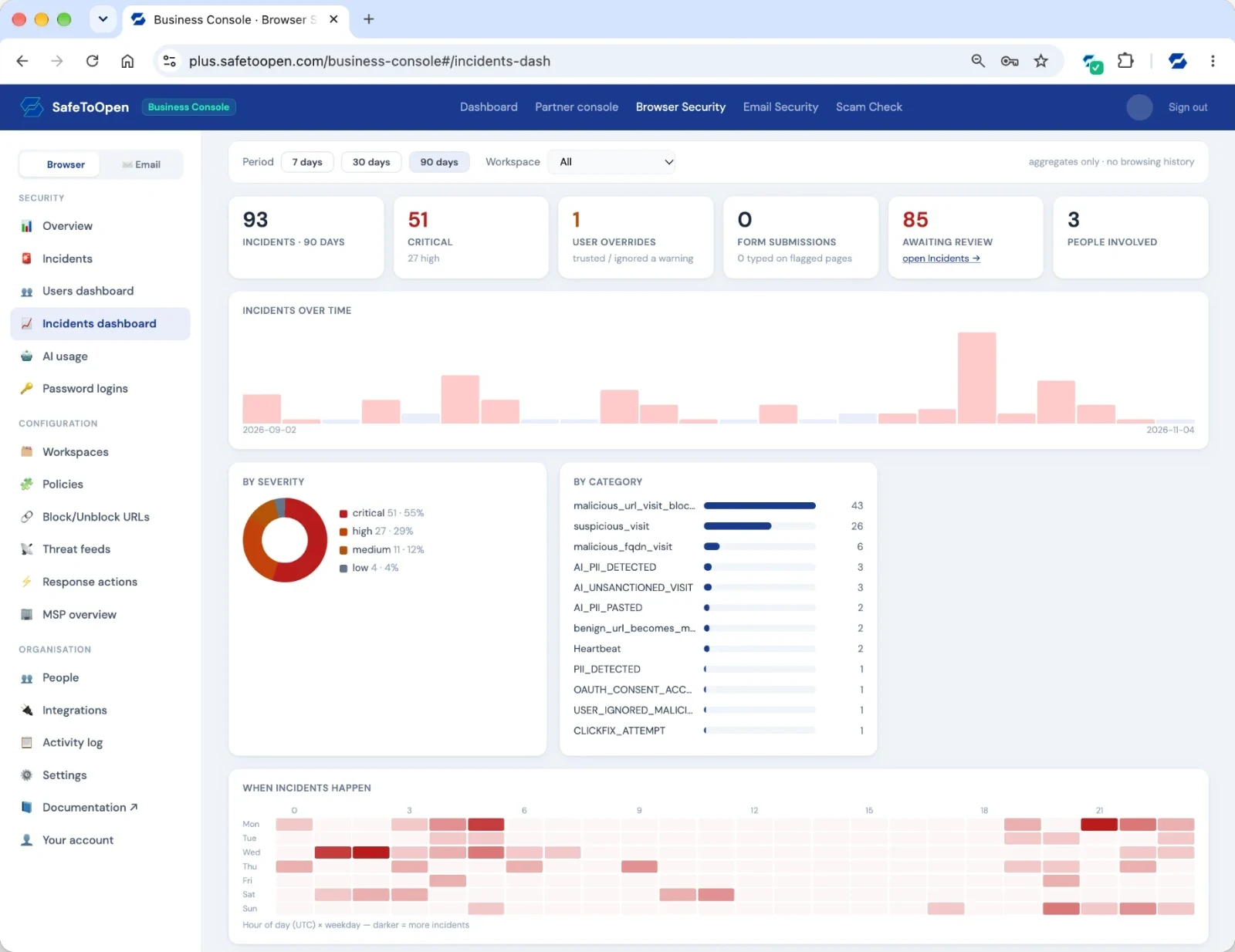
Checked, not just claimed
Read more
Why Microsoft Defender still needs browser-layer protection
What Defender covers, and the moment it can’t see.
Read it → How-toDeploying browser security with Intune
Identity, policy and the common pitfalls.
Read it → ExplainerWhy EDR and antivirus miss web-based threats
Why the browser needs its own layer.
Read it →Questions, answered
Yes. Any Microsoft 365 admin can push the email add-in via the M365 Admin Centre, and any Google Workspace admin via the Workspace Marketplace. Both take under five minutes, with no mail-flow changes and no infrastructure. It works alongside your existing filter (Microsoft Defender, Google’s native filtering, Mimecast and similar).
Connect Microsoft Entra ID (Azure AD) or Google Workspace to the portal and seats are enabled for your staff automatically, with no manual onboarding and no mail-flow changes. You can also invite users by email. Deployment typically takes under five minutes, and most teams are fully protected the same day.
Yes. The extension can enforce Microsoft’s tenant restrictions on managed browsers, so a personal Microsoft account cannot sign in at all in that browser. It is a whole-account control, so it is off by default and switched on per workspace.
For your team
See it on your Microsoft 365 tenant
Tell us a little about your organisation and we’ll show you how SafeToOpen fits beside Microsoft 365.
- We reply by email to find a time that suits you.
- We only use your details to reply to your request.
- Prefer to try it yourself? Start a free trial →