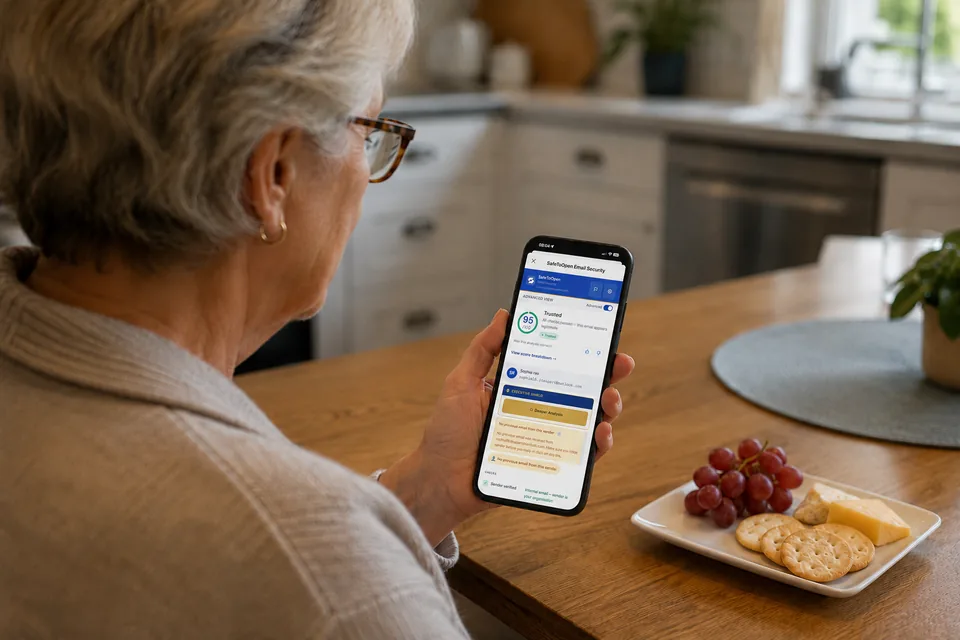
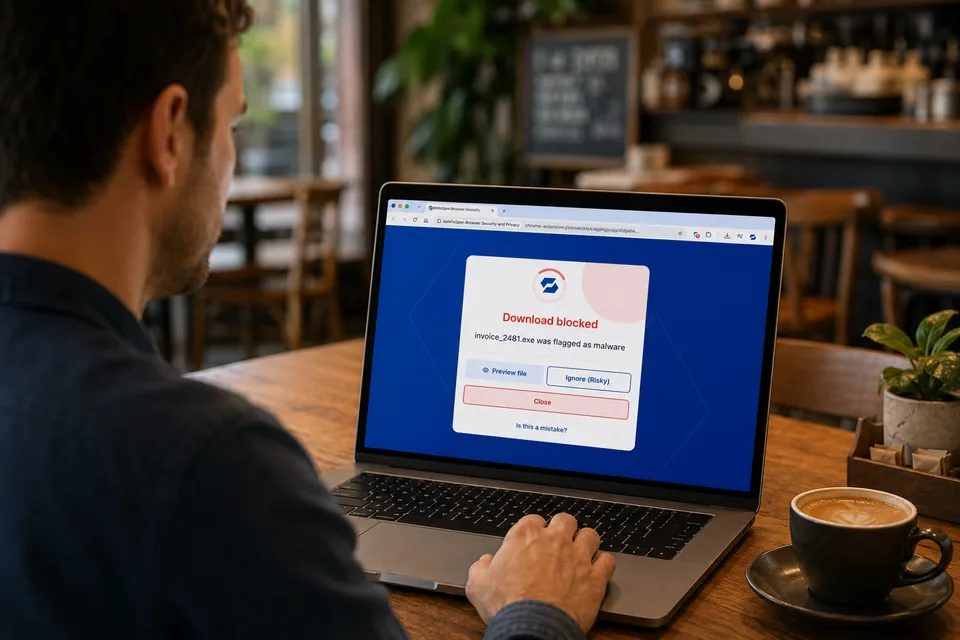
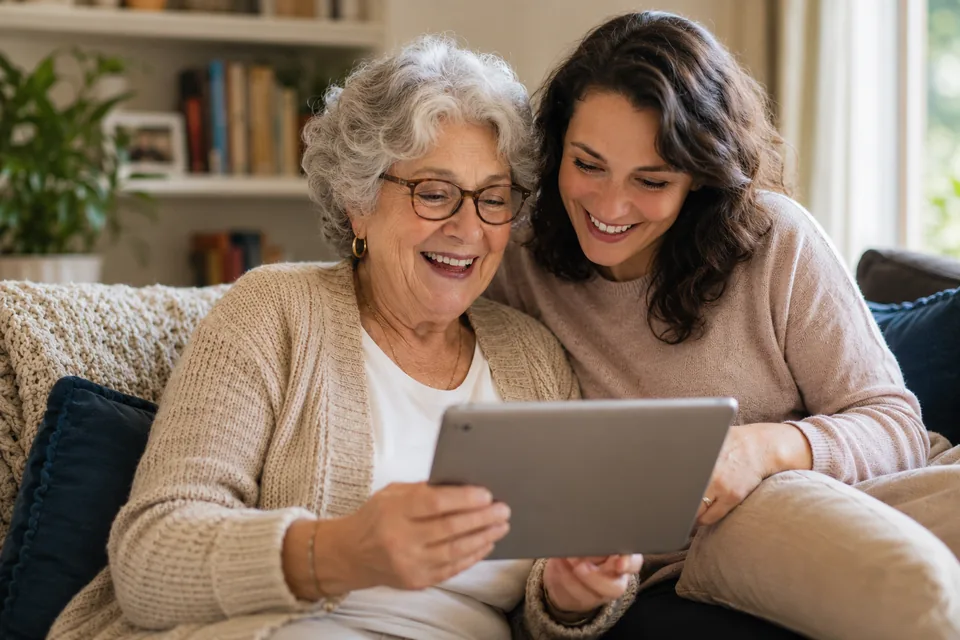
Phishing doesn't care how tech-savvy you are. SafeToOpen quietly blocks fake sites, risky downloads and scam emails in real time. Protect just yourself, or cover your whole household — kids, parents and grandparents alike — without anyone watching what you browse.
Whether it's just you or your whole household, SafeToOpen is two simple apps working together — one watching your email, one watching your browser. Both run quietly in the background.
Protects your inbox
Not sure about an email? One click tells you if it's safe — checking the links, attachments and sender. Works in Outlook and Gmail, on every device.
See Email SecurityProtects your browsing
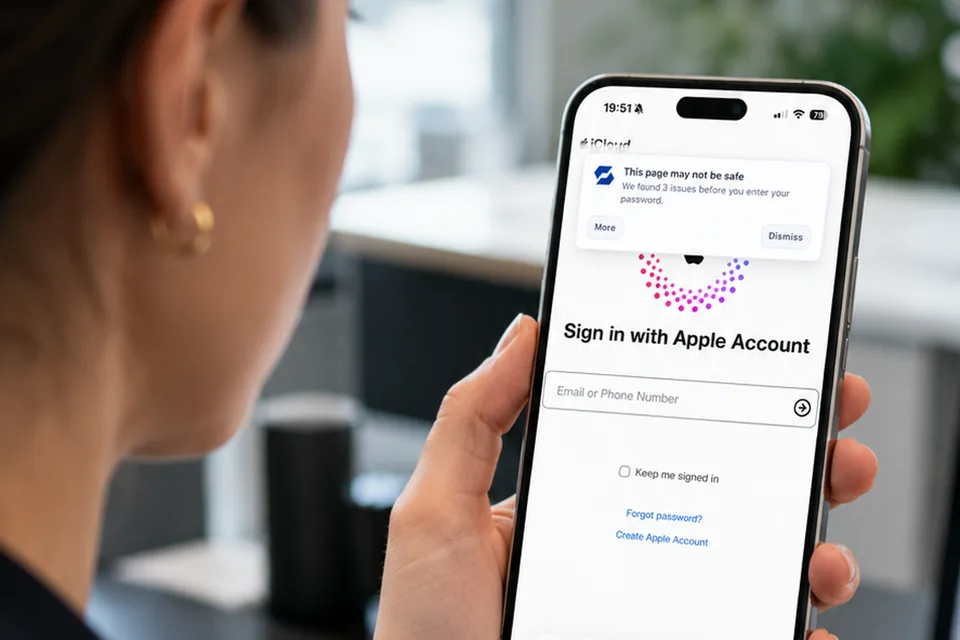
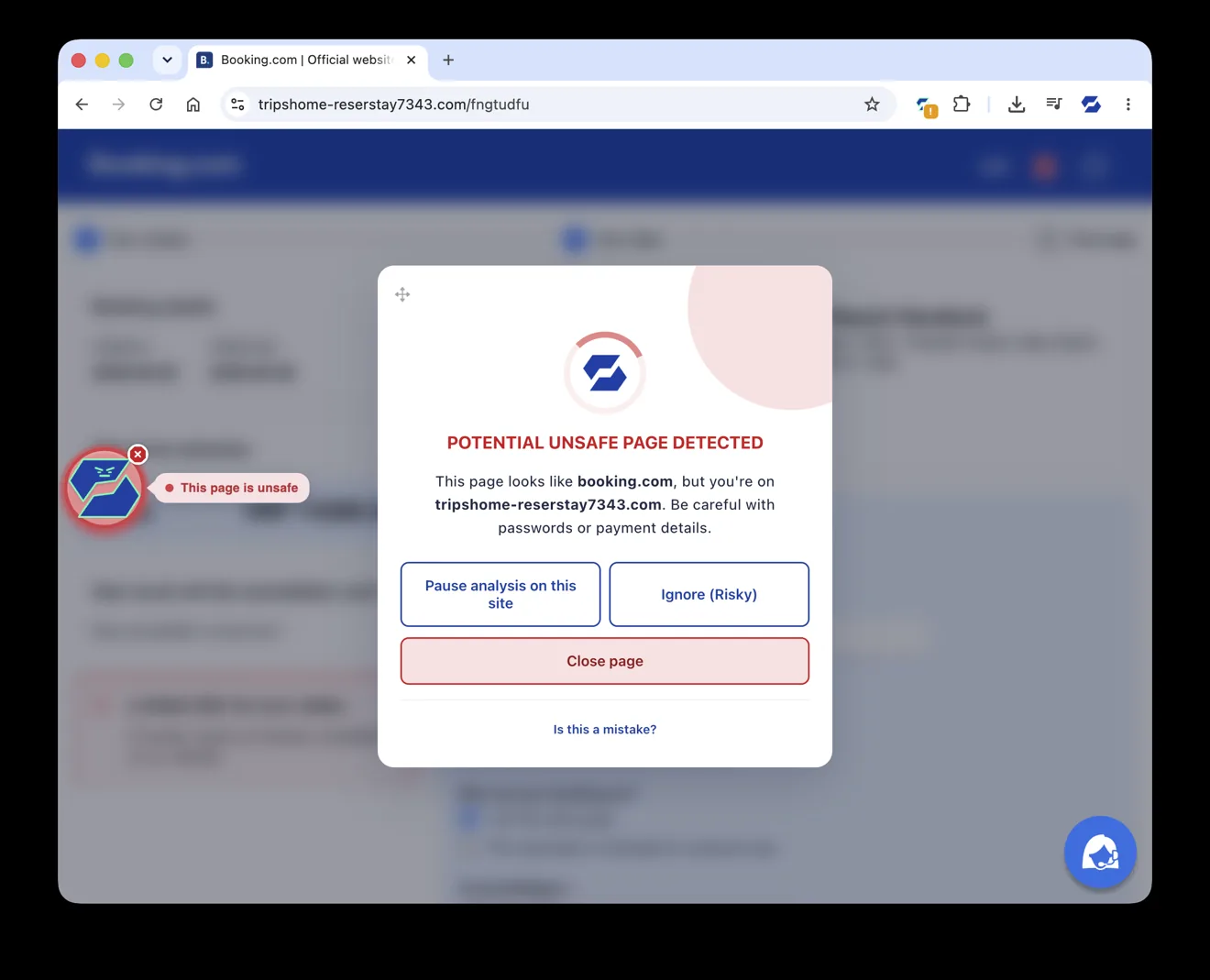
If someone clicks a scam link, SafeToOpen spots the fake page as it loads and blocks it — even brand-new scams that haven't been reported anywhere yet.
See Browser SecurityTwo products, two simple plans — start free in your browser, add email security whenever you like. See plans below →
Most people miss a few. Take our 2-minute “spot the fake” test together — then send it to the family group chat and compare scores.
Real-time protection for the everyday traps, so no one in your home has to be a security expert.
Bank lookalikes, fake delivery notices, prize and refund scams — blocked before anyone types a detail.
Stops malicious files and viruses from landing on your laptop or phone in the first place.
Verify a suspicious message in one click before acting — handy for less confident family members.
A lot of "free" tools pay for themselves by harvesting your data. SafeToOpen never does. It blocks trackers, keeps searches private, and never sells a thing — so you and your household are safer and more private.
Install the free extension on each device — no sign-up needed to start.
Personal Plus covers all your own devices; Family Plus covers up to 5 people, managed from one simple dashboard.
Protection runs quietly in the background and warns only when something's wrong.
SafeToOpen is two products, each priced separately — choose one or both. These are the personal plans; business plans live on the full pricing page.
It scans risky pages and emails in real time, blocking phishing and scams before anyone enters a password or opens a dangerous file. Start free on your own browser — family plans cover everyone's devices and let you manage protection from one place.
Start with the free browser protection. If you want email security and cover across all your own devices, Personal Plus is the single-person plan — and you can move up to Family Plus later without reinstalling anything.
Yes. Protection runs quietly in the background and warns in plain language when something's unsafe — which helps less technical family members, children and older relatives alike, avoid scams without needing to be security experts.
No. SafeToOpen never collects, stores, or sells browsing data — yours or your family's. It blocks trackers and keeps searches private — protection and privacy aren't a trade-off.
Browser protection is free for personal use. Personal Plus covers all your own devices, and Family Plus covers up to 5 people. Email security is a separate product with its own plan. Current prices are just above, and the pricing page has the full comparison.
Start free today, and upgrade to cover yourself or everyone at home whenever you're ready.