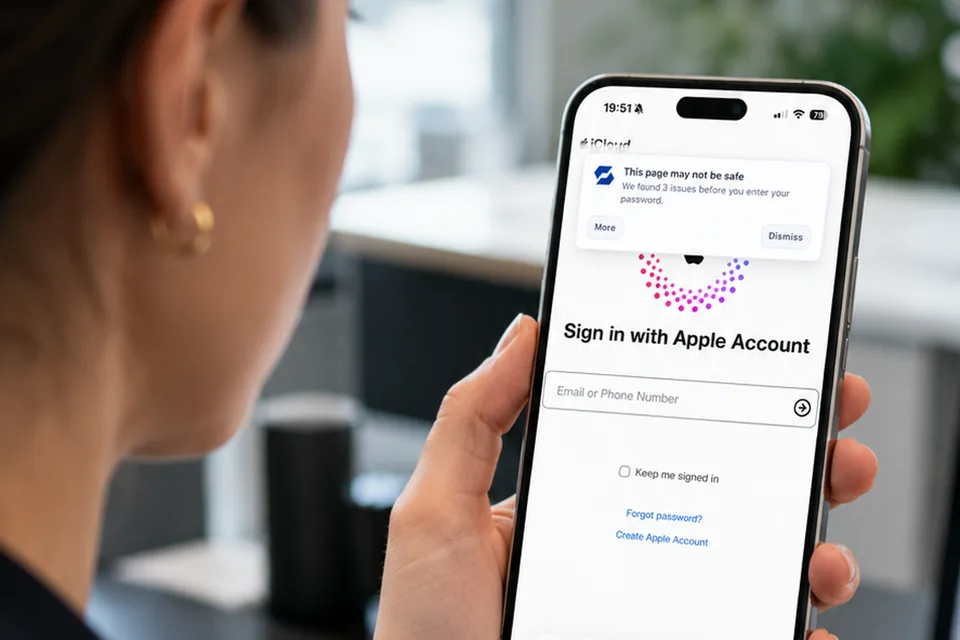
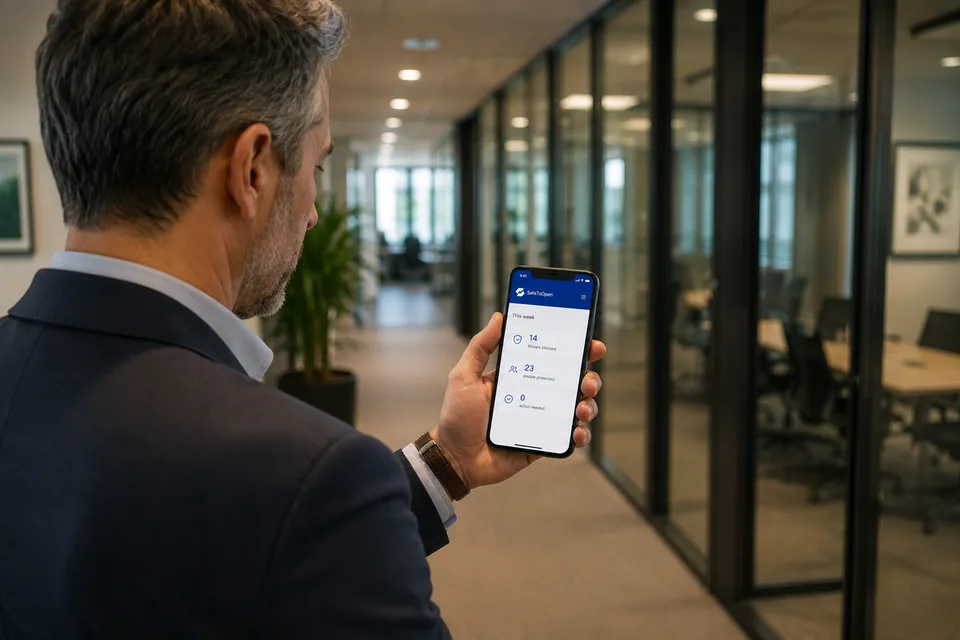
For about $120, criminals rent AI-assisted phishing kits with MFA bypass built in — and aim them at businesses with real money and no security team. SafeToOpen gives your whole team enterprise-grade, zero-day protection in minutes: no security hires, no complex setup. The click your filters miss averages a US$4.8M breach — for a small business, that’s existential.
FREE TRIAL · NO CREDIT CARD · CANCEL ANY TIME
Attackers don’t pick on small and medium businesses by accident. The money is real, the defences are thin, and one click can carry a cost that’s existential.
Phishing is the most common initial attack vector — 16% of breaches, at an average cost of $4.8M (IBM, 2025). The click is only the entrance: ransomware, invoice fraud and weeks of downtime follow it.
Why one click is just the start →For about $120, criminals rent phishing kits with MFA bypass built in — and aim them at businesses with real money and no security team. A cheap campaign against you can return thousands of times its cost.
The economics of phishing →MFA blocks password attacks — but modern kits steal the session token after you pass it. Spam filters miss never-before-seen pages, and training fades in months. Nothing you run judges the page at the click.
Why MFA isn’t enough →For a small or medium business, SafeToOpen is two products that protect your people where attacks land — the inbox and the browser. Roll out both from one console, billed per seat.
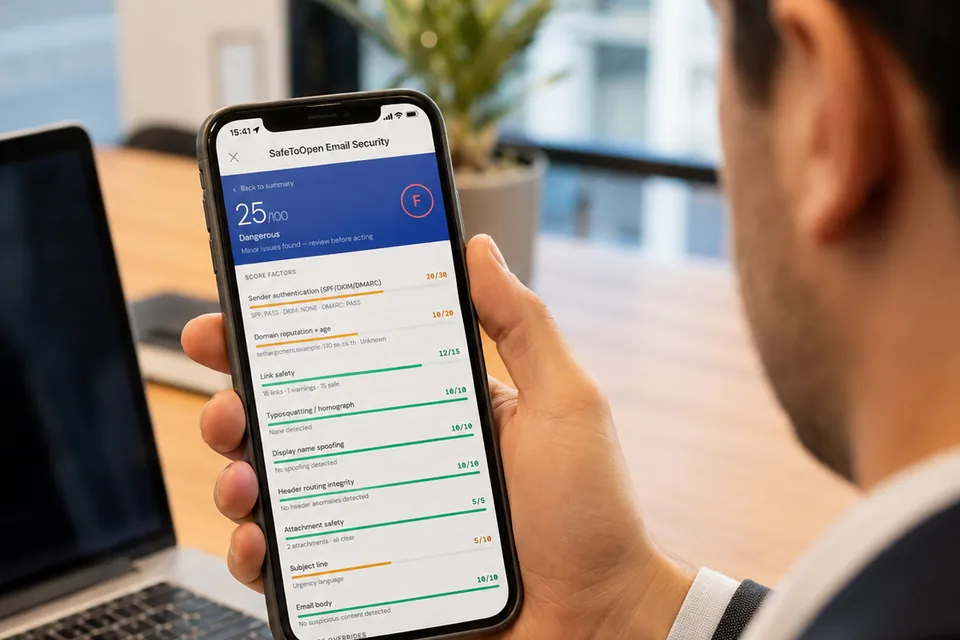
Protects the inbox
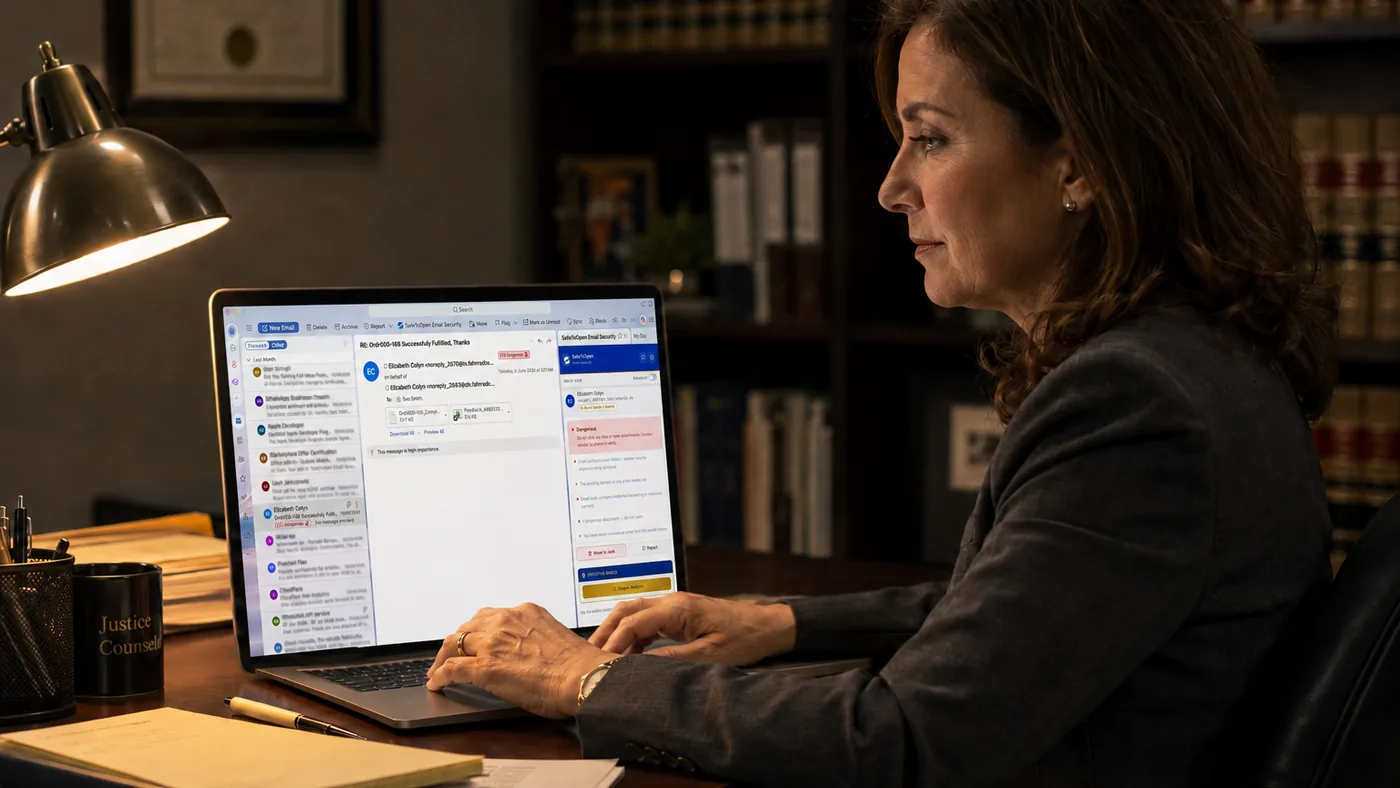
Your team verifies any suspicious email in Outlook & Gmail in one click — trust scores and up to 71 checks per email — verdicts in seconds, so a single click doesn't become a breach.
See Email Security
Protects the browser
Catches never-before-seen phishing pages as they load, blocks malware and malicious sites, and stops sensitive data being pasted out.
See Browser SecurityBusiness Plus covers both, per seat, from one dashboard. See business plans → · For adjustable seats and pricing, contact us →
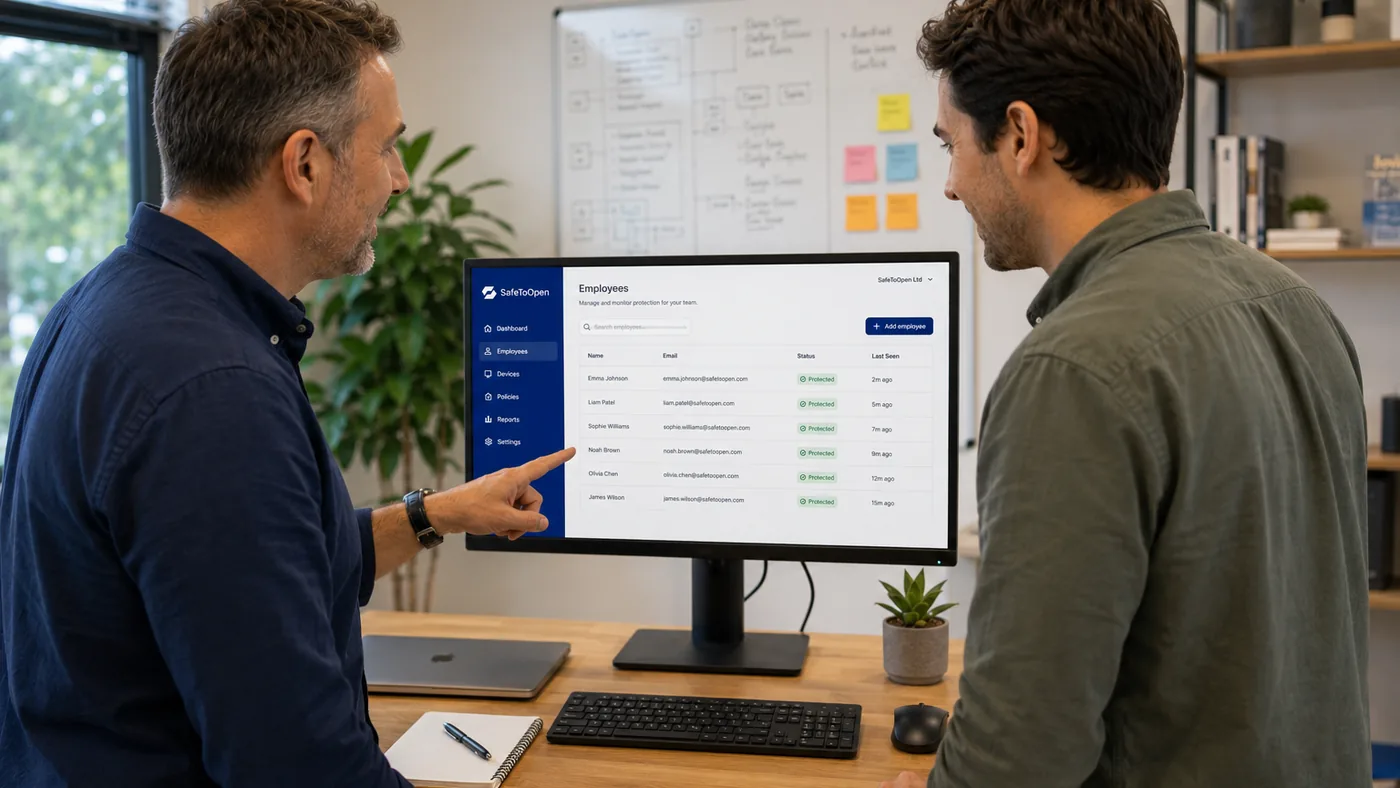
Connect Microsoft AD or Google Workspace and seats enable automatically — or invite staff by email. Central billing, no specialist skills needed.
Real-time, zero-day detection in the browser and inbox, so one wrong click doesn't become a breach.
Per-seat pricing that scales with you, managed from a single dashboard.

A simple dashboard with real-time alerts and user-action reports — visibility for whoever wears the IT hat, and evidence when you need it.
Warns and auto-masks when staff paste sensitive data — card numbers, customer records — into suspicious sites or AI tools, before it leaves the browser.
GDPR-ready and ISO/IEC 27001-certified, with reporting that helps you evidence controls to clients, insurers and auditors.
“SafeToOpen rolled out across thousands of users in days. Phishing incidents in our teams dropped almost immediately.”
DETECTS PHISHING TARGETING 40,000+ BRANDS · ISO/IEC 27001:2022 · GOOGLE CASA VERIFIED · VIRUSTOTAL-VERIFIED VENDOR
No agents, no mail-flow changes, no specialist skills — deployment typically takes under five minutes. Three steps from sign-up to a protected team.

Start your free trial — no credit card — and open your admin dashboard. Central billing, per-seat from day one.
Link Microsoft Entra ID (Azure AD) or Google Workspace and seats are enabled for your staff automatically — no manual onboarding, no mail-flow changes. Prefer not to? Invite by email instead.
Browser and email protection switch on across the team, with real-time alerts and user-action reports in your dashboard.
Need more than 500 seats, or adjustable per-seat pricing? Contact us →
On Gmail? Get SafeToOpen on the Google Workspace Marketplace →
Browser Security protects mobile too — it runs the same way in Microsoft Edge on Android, installed and registered just like on desktop.
No. Setup takes minutes and protection runs automatically — it's designed for teams without dedicated security staff.
Per seat, on one simple plan, managed from a central dashboard. See the pricing page for current rates.
Yes. Business Plus covers both browser security and email security for Outlook and Gmail.
Yes — they’re necessary but not sufficient. Modern phishing kits proxy the real login and steal the session token issued after MFA succeeds, and filters can’t catch pages no one has reported yet. SafeToOpen adds the missing layer: judging the page itself, in real time, at the point of click.
Business Plus covers email and browser protection per seat, from one dashboard — current per-seat prices are on the pricing page. Start small and add seats as you grow. For larger teams or adjustable per-seat pricing, contact us.
No. SafeToOpen never collects, stores or sells browsing data. It processes the minimum needed to confirm a threat, deletes it after analysis, and is GDPR-ready and ISO/IEC 27001-certified. Our browser extension is also independently verified under Google’s CASA security assessment.
Connect Microsoft Entra ID (Azure AD) or Google Workspace to the portal and seats are enabled for your staff automatically — no manual onboarding, no mail-flow changes. You can also invite users by email. Deployment typically takes under five minutes, and most teams are fully protected the same day.
Cancel any time — there’s no contract lock-in. Pause or remove seats from the admin portal, and your service keeps running through the end of the billing period.
We hold ourselves to the standard we protect you to: ISO/IEC 27001:2022 certified, independently pen-tested, no browsing data collected or sold. Verify it yourself — certifications, data handling and policies are documented in our Trust Center. Visit the Trust Center →
Two documents you can read in five minutes or forward to whoever signs things off.
How browser and email protection work, what each one catches, deployment, supported platforms and the questions businesses ask most.
The whole proposition on a single page — the risk, the two products, what it costs a team of 10, 25 or 50, and how to start.
Start free, or book a walkthrough tailored to your environment.